Family vacations
A Disney week, a Europe loop or a cruise, with one stop per day so the kids can relive every one.
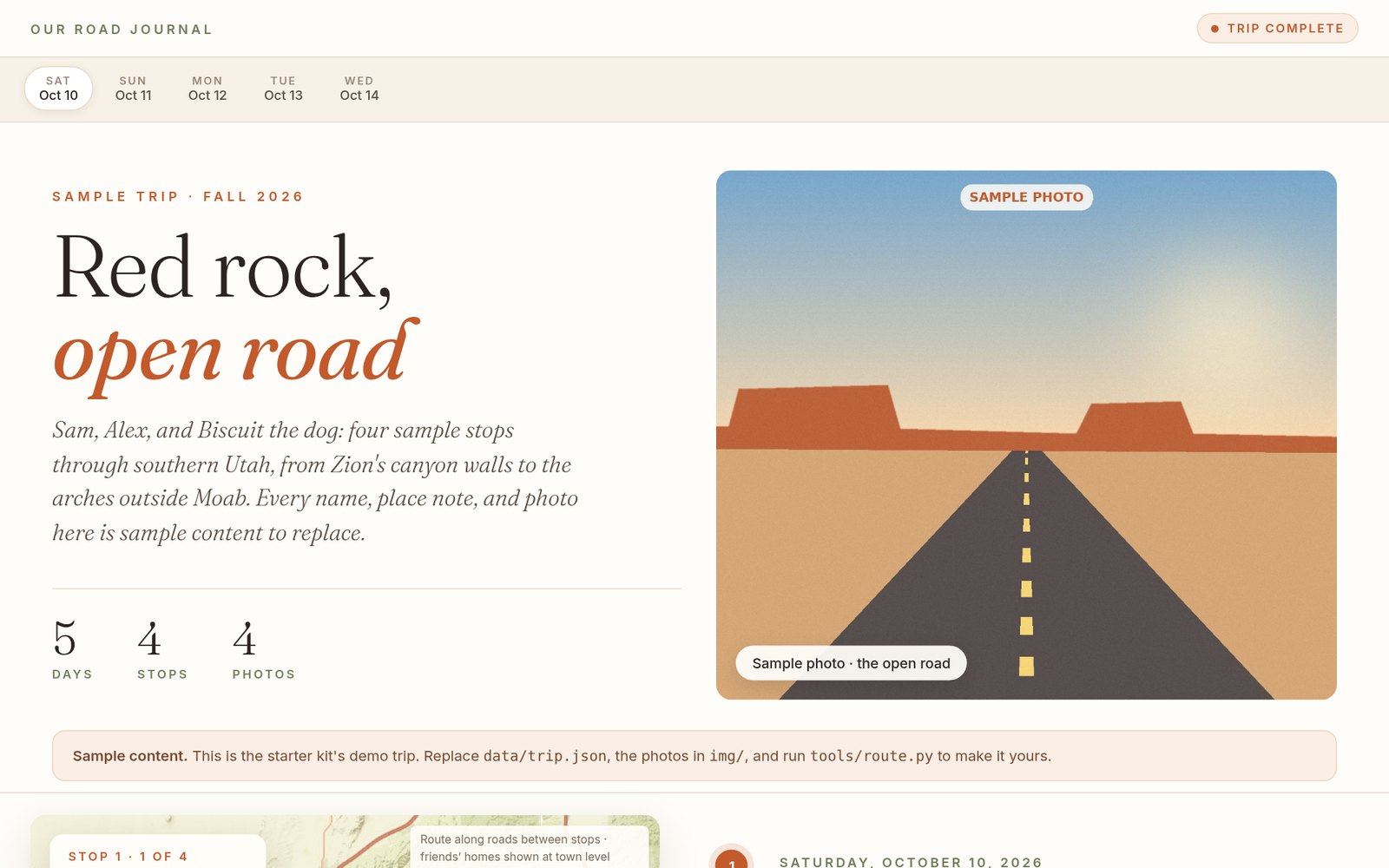
The exact design behind our trip journals, as a free template: the map that follows you down the page, real road routes, photo stops, weather cards, and privacy rules built in. Sample data inside, ready for yours.
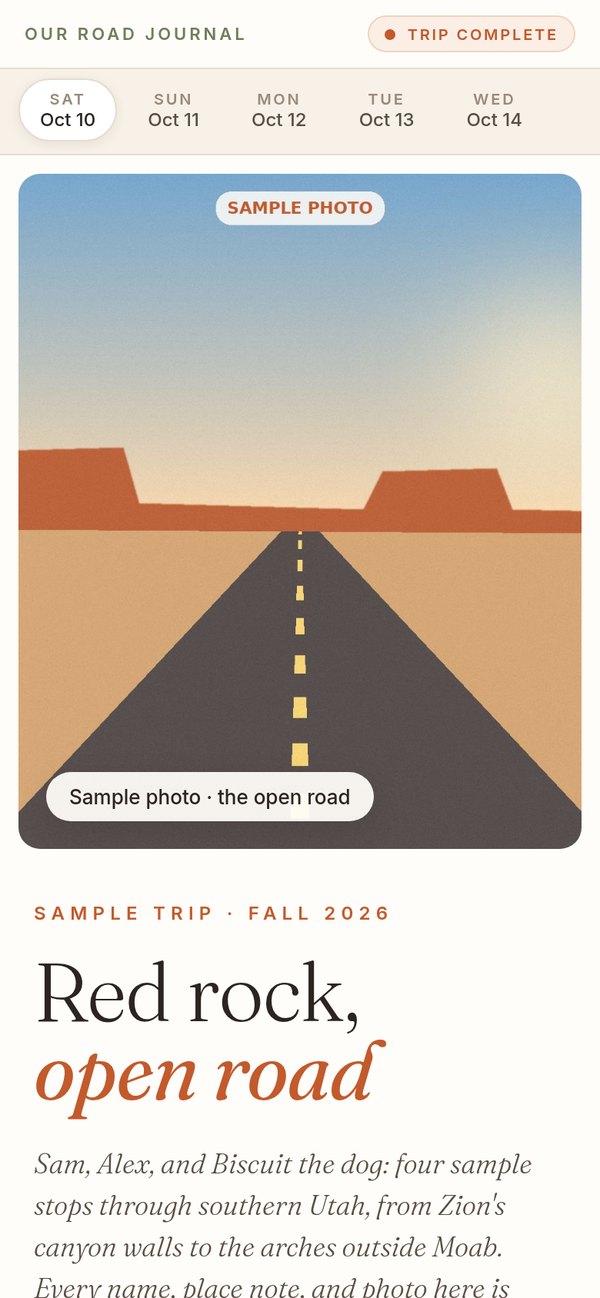
Sample data only. No real trips, people, places or photos are inside: just four made-up stops and illustrated placeholder pictures.
What’s inside
Plain web files, no build step and no monthly fees. Your whole trip lives in one easy-to-edit file, and a few small helper scripts do the fiddly parts.
Sticky map that follows the timeline, day pills, photo stops, lightbox, an ending with trip totals. Looks right on phones too.
index.htmlNames, title, stops, captions, colors, and whether the trip is finished or still rolling.
data/trip.jsonLines that follow the roads between stops, dashed ferry legs, and a miles total.
tools/route.pyFor every stop: the day’s low and high in °F, conditions, and elevation. Free, no account needed.
tools/weather.pyStrips location and camera data, double-checks every file, and suggests stops from where and when photos were taken.
tools/prepare_photos.pyStep-by-step README for publishing on Vercel’s free plan and connecting a domain you own.
README.md · vercel.json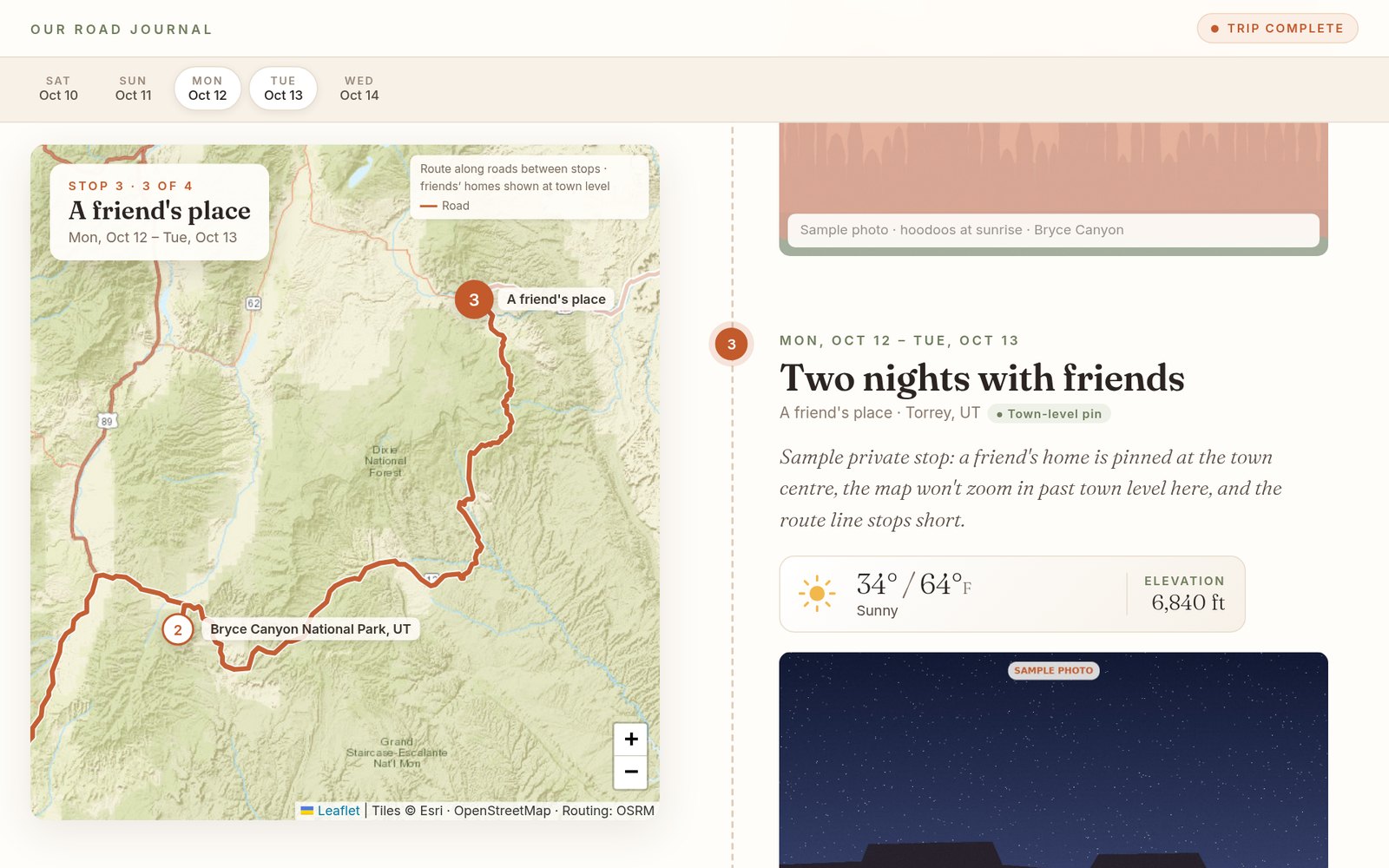
Make it yours
The README walks through each one. Or skip all of it and let Grok Bot do the steps for you.
Each stop is a few lines in data/trip.json. Stops are numbered in order, and the map, day pills and totals update themselves.
"name": "Springdale, UT",
"date": "2026-10-10",
"lat": 37.1889, "lon": -112.9985,
"title": "Into the canyon",
"private": false
Run tools/prepare_photos.py on your originals. You get clean, resized copies with no GPS or camera data, plus a list of suggested stops by day and place. The real locations stay in a private file that never goes online.
Change a few values under site.colors. These are ours:
Use it for anything
Stops, photos, a route and a few words. That fits a lot more than a road trip. A few ideas to borrow:
A Disney week, a Europe loop or a cruise, with one stop per day so the kids can relive every one.
National parks, ballparks or breweries, ticked off one by one on a map that shows your progress.
Trail by trail, with each day’s elevation and weather already built in.
The journey there, the venue, and the guests’ photos, all gathered in one place.
A Cooper’s Corner for any pet, with paw-rated dog parks along the way.
Taco trucks or wineries strung along a route, each one rated.
Every home you tour, pinned on the map and easy to compare side by side.
Away games and tournaments, the whole season on one map.
A loved one’s favorite places, kept in stories and photos.
Same kit for every one: rename the stops in data/trip.json, swap in your photos, and the privacy rules still apply. Private homes stay at town level.
How to use it
Our journal was built by Grok Bot, running on xAI’s Grok. We never opened a code editor: we described what we wanted, checked the previews, and said yes. Yours can work exactly the same way.

Step one
Copies our assistant’s setup, its skills and routines, into your own Grok Bot.
Start from a copy of our Grok Bot setupOne click copies our Grok Bot’s skills and routines into your own Grok Bot. It already knows the journal design, the weather cards and the privacy rules.
A Google Drive folder works great. Grok Bot reads each photo’s date and place, groups them into stops, and shows you the list before it builds anything.
Names, colors, which stops are friends’ or family homes. Change your mind anytime: “make the map shorter,” “start on day two.”
Grok Bot lays out the stops, draws the real roads, adds the weather, and scrubs the location data from every photo. You get a preview link to check on your phone.
Grok Bot publishes to free Vercel hosting and walks you through connecting your domain. Nothing goes live until you say so.
Grok Bot splits the work among its own assistants, the same way it does for us.
Checks every page on a phone and a laptop before you see it.
Stop stories from the lines you send. It asks rather than invents.
Drafts posts for your trip, or your dog’s account, and you post the ones you like.
And Grok lives on X, too. When Cooper (@CooperOnTheRoad) made his first post, Grok itself replied.
Always the latest
When we improve our own journal, the kit gets the update too. The download button above always gives you the newest version.
FAQ
Yes. The starter files are plain HTML and JavaScript, and any capable coding assistant can work with them. But this one was built by Grok Bot, and that’s the path we recommend.
If you’d rather use something else, copy this brief into your assistant’s chat. It will interview you, build from the kit, and help you publish.
The story behind it
Phone photos, a map that keeps up, weather cards, and a lot of small requests in chat. Here’s how we built TLC On The Road with our Grok Bot assistants.
How we built this